The Ultimate Guide to Choosing the Right Gaming Mouse
Introduction
Choosing the right gaming mouse can be a daunting task with so many options available in the market today. Whether you're a casual gamer or a professional esports player, having the right tool for the job can make all the difference in your performance.
Factors to Consider When Buying a Gaming Mouse
- Sensor type (optical vs. laser)
- DPI (dots per inch) sensitivity
- Number of buttons and their configuration
- Customizable RGB lighting
- Ergonomics and comfort level
- Cable length and weight
- Price point
Sensor Type
Optical sensors use LED lights to detect movement, while laser sensors use lasers. Both have their advantages and disadvantages. Optical sensors tend to be more accurate at lower DPI settings, while laser sensors offer higher tracking speeds and better accuracy at high DPIs.
DPI Sensitivity
DPI refers to the number of pixels that the mouse moves across the screen for every inch it travels. A higher DPI setting allows for more precise movements but may require more hand movement to cover the same distance on the screen. On the other hand, a lower DPI setting requires less hand movement but may not be as precise.
Number of Buttons and Configuration
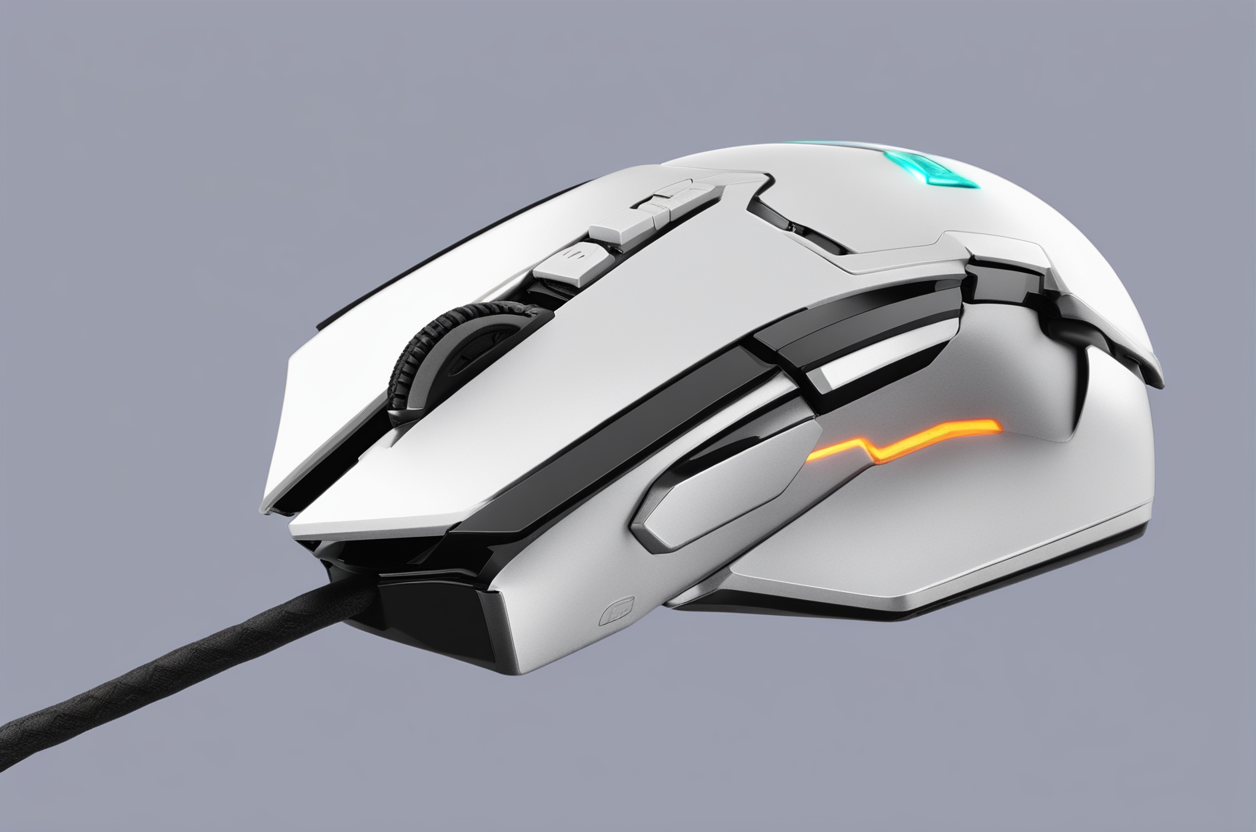
Gaming mice come with various button configurations, from basic three-button designs to advanced models with up to 20 programmable buttons. The most common setup includes two primary buttons, a middle click wheel, and two thumb buttons. However, some gamers prefer additional side buttons for quick access to frequently used commands.
Customizable RGB Lighting
RGB lighting has become a popular feature in gaming mice, allowing users to customize the look of their device. Some mice even allow for syncing with other peripherals such as keyboards and headsets for a cohesive aesthetic.
Ergonomics and Comfort Level
A comfortable gaming mouse should fit snugly in your hand without feeling too tight or loose. It should also have an ergonomic design that supports your wrist and prevents strain over extended periods.
Cable Length and Weight
Consider the cable length and weight of the mouse when choosing one. Longer cables can get tangled easily, while shorter ones may limit your range of motion. Similarly, heavier mice can feel cumbersome, while lighter ones may lack stability.
Price Point
Finally, consider your budget when shopping for a gaming mouse. Prices can range widely depending on features, brand, and quality. While higher-end models may offer improved performance, they may also come with a hefty price tag.
Conclusion
In conclusion, choosing the right gaming mouse involves considering several factors such as sensor type, DPI sensitivity, number of buttons and their configuration, customizable RGB lighting, ergonomics and comfort level, cable length and weight, and price point. By keeping these factors in mind, you can find the perfect mouse to suit your needs and preferences.


Comments
Post a Comment